

When you’re using a power station as a home backup system, a transfer switch is one of the components that can bring your setup to the next level. It is how you get a direct connection between your power station (or a generator) to your home circuits. No need to clumsy extension cords running all through the house. Use your regular outlets.
There are quite a few choices for transfer switches to use with power stations. Some come directly from the brands, others are universal. Some are automatic — which is as nice as it sounds, but costs a lot more. Manual transfer switches are a universal and budget-friendly option you can trust.
But let’s slow down. We’re not here to pile this up in front of you like some awful boss you never seems to understand the limits of a workload. We’re here to help you understand what a transfer switch is, how you can use it, and which option is best for your situation. Let’s take this one step at a time.
We carefully select the products and services we link to. If you buy through our links, we may earn a commission. There’s no extra cost to you and it helps us provide this information.
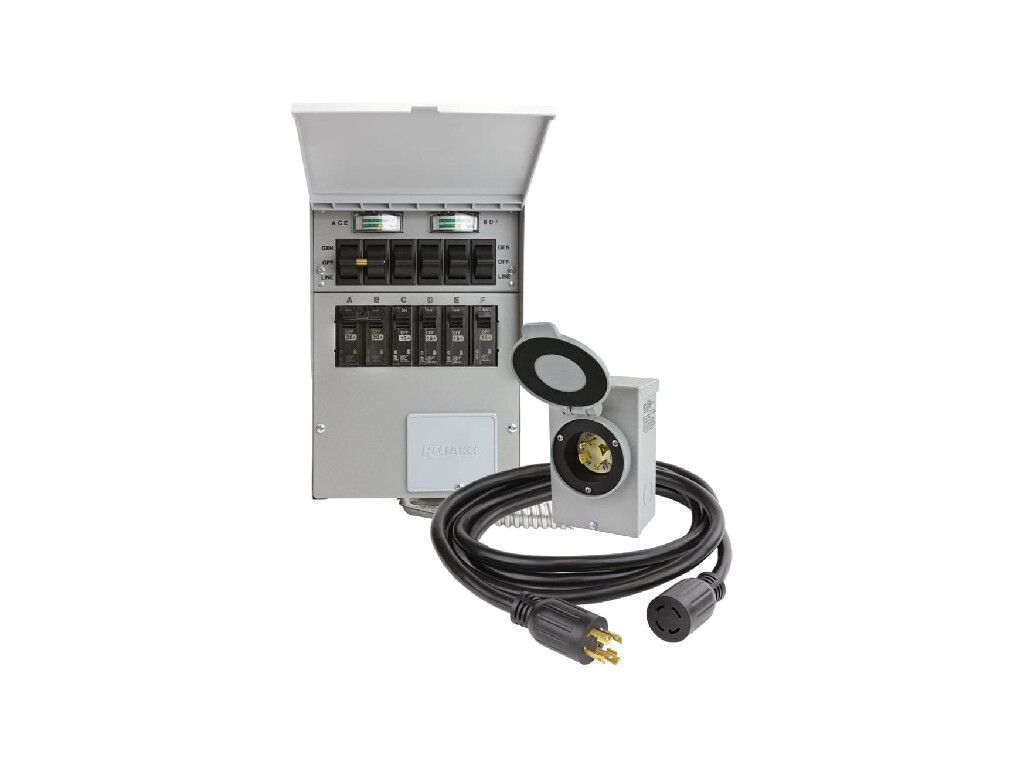
What Is a Transfer Switch?
You’re not going to believe this, but a transfer switch is a switch that transfers between two options. Crazy, right? In this case, the two things it transfers between are the power sources for your home electrical circuits.
In other words, a transfer switch lets you choose between your grid power and a backup energy source, such as a portable power station. You could also use things like a fuel generator or a custom whole-home battery backup system. The switch is just the thing that flips from one source to the other.
While I wish that was the end of the story and all you need to know, there are some other details to cover. The first one is the type of transfer switch: automatic or manual.
Automatic and Manual
Once upon a time, this was a question for your vehicle. Now, you’re going to have to decide if you want your home power system to be auto or stick-shift. And that’s quite literally the difference still.
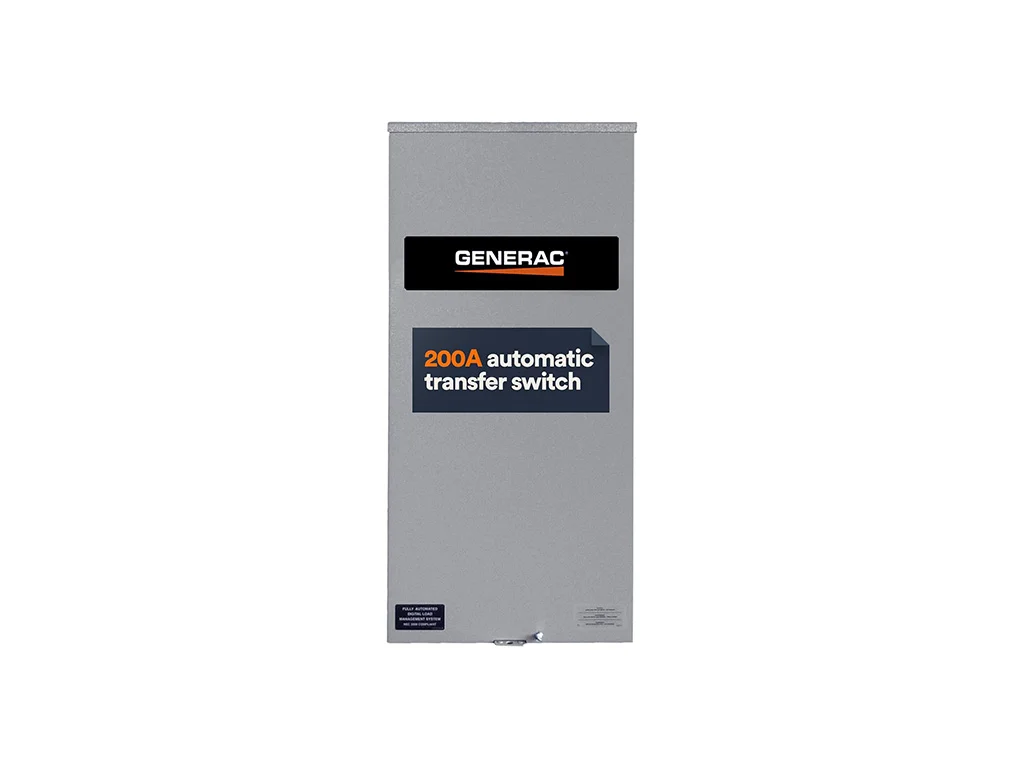
- Automatic transfer switches notice a grid outage on its own then immediately switch to the battery backup power without your intervention.
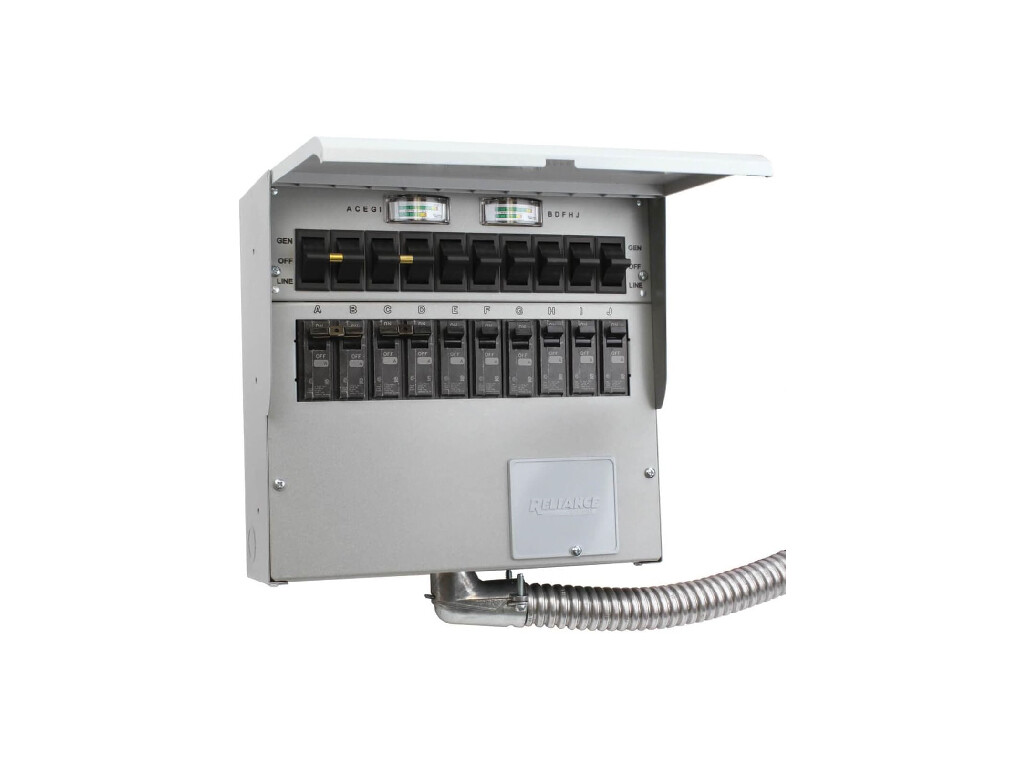
- Manual transfer switches have a literal switch that you flip so during an outage, your lights will go dark and you’ll have to manually change the power source.
The good news is that there’s no clutch to learn (or burn out). But the bad news is that automatic transfer switches are much more expensive. And one downside that some people refuse to discuss is that they’re also much more intricate. I love technology, yet there is a another side of me that loves simplicity. The manual transfer switches are more reliable and have fewer parts that can fail.
Yet we still almost always prefer and recommend automatic transfer switches if they meet the budget. Plus, the branded options are just too slick to pass up. We’ll get to those later below.
|
Generac Automatic Transfer Switch |
Switch on Amazon |
|
Reliance Controls 510C Manual Transfer Switch |
Switch on Amazon |
Critical Loads Panel
So I lied. There’s actually another part of this puzzle. The switch is a crucial element that changes between power sources. But there’s a catch.
Almost every battery backup power system isn’t designed or able to keep up with the entire household electrical demands. And you don’t want to connect your expensive power station to loads it can’t handle. While they have overload protections and other safety measures, you’re still risking damage.
To get around this, a critical loads panel is used. This is a place where you select the exact circuits of your home’s electrical system to run from your backup power source. These can come in many different capacities (rated in current or amps) and with a range of breakers, including some with 120V only and others with 120V and 240V options.
By carefully selecting the home circuits and connecting them to a critical loads panel, you can stay within your power station’s limits.
Think of the critical loads panel and a small subpanel that’s just for your most important circuits. That’s exactly what it is.
Unified Choices
Now here’s the best part. Many of the best transfer switches come with an integrated a critical loads panel. So it’s just one device you connect to your system that handles both:
- Switching between power sources (transfer switch)
- Powering select circuits during a home backup (critical loads panel)
This means that installation is pretty simple. All that you do is put this panel between your devices and the main panel. By cutting it off here, you can instantly keep the grid power off your select set of critical loads. And you can provide them with backup power when the grid it out.
Did you catch that? Keeping the grid power off your select set of critical loads is actually a distinct feature. This means you can choose to cut the grid power and instead use your solar/battery system. This is a big way to cut down your energy bill. Even if you recharge with grid power, you can use this system to use grid power during off-peak hours and get lower rates. Then flip over to battery power during peak hours to avoid the surcharges during those times.
That’s some of the added convenience of a transfer switch and critical loads panel.
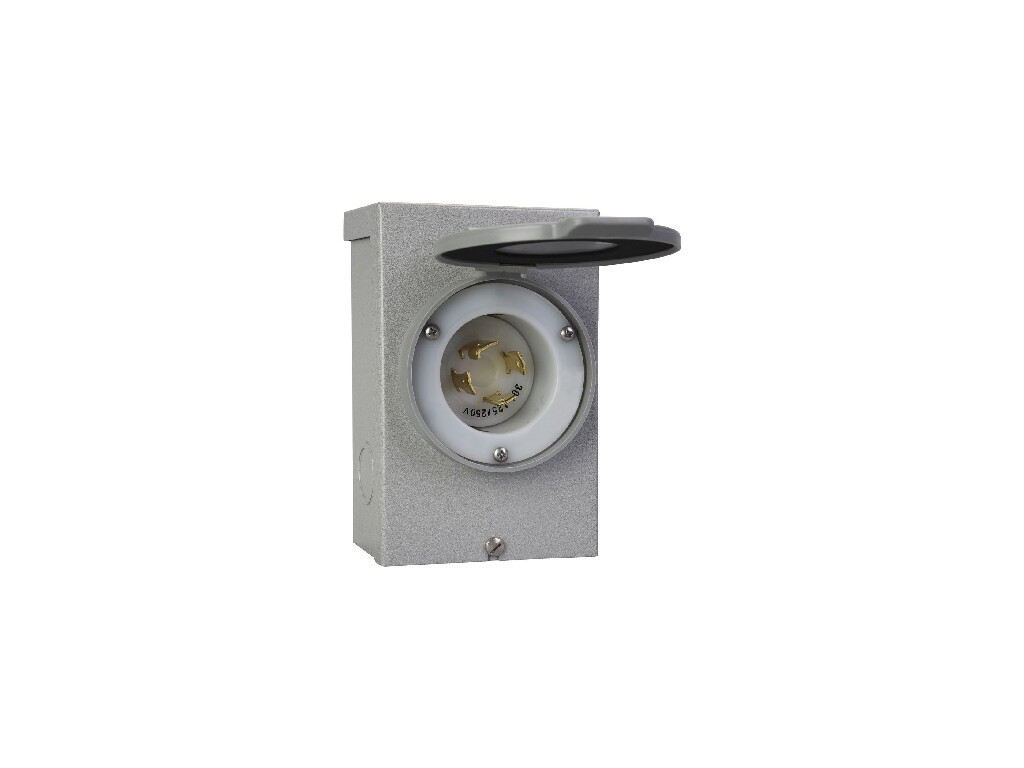
Generator Inlet
It’s always a little difficult to bring this up. On one hand, a generator inlet is by far the cheapest option to supply your home with backup power from a power station. And as you can guess from the name, it also works with generators of many types.
But — and this is a very BIG butt — a generator inlet must be used with a lot of caution.
First, you can easily overload a generator inlet if you use it without a critical loads panel. If you keep all of your home circuits on and try to pull too much energy out of the generator, you can cause overload problems. What you’ll need to do is manually flip off the breakers you don’t want to use during backup situations. And you must remember to do this each and every time. Is it the end of the world? No. But it’s also a risky situation that opens the door to human error. Plus, it makes it much more difficult for someone else to use your backup system, whether that’s a spouse, child, house-sitter, or contractor.
Second and even more important, you must use an interlock device with a generator inlet — although not all of them come with one. An interlock device is used to lock the generator inlet to the grid power supply. When one is on, the other must be off. And this is an absolutely critical part of using a generator inlet. Why? If you don’t have an interlock and you throw on a generator while your grid power is still attached, you could backfeed the grid. And this can electrify a line that a utility worker may need to work on. Or may be actively working on.
Bottom line: You can injure or even kill a utility worker by not using an interlock device.
Although we know there’s a place for a generator inlet in the world, we highly recommend going with an actual transfer switch and critical loads panel instead. It’s a much safer solution that also is a lot less hassle. And a simple manual transfer switch isn’t that much more money.

Installing and Using a Transfer Switch
We can’t go over exact directions for how to install a transfer switch without first providing a very serious warning. To install a transfer switch, you are going to be handling the main circuits of your home and the main electrical panel. While it’s not impossible to do as a DIY job, we know that this is an area where many people should never touch. If you aren’t very familiar with electricals already, we highly recommend getting an expert to take care of the job for you. And in some jurisdictions, you may be required to have appropriate credentials to do the task. Nothing like holding up a future home sale because you decided to save a few bucks today.
The good news is that many transfer switch installations are a relatively easy process for professionals. They basically just have to re-route your selected circuits to the new subpanel and let you take it from there. In a lot of situations, it can be done in a 4 to 8 hour window. Depending on the costs of qualified electricians in your area, this can be around $500 to $800. Higher cost areas and more difficult installation situations may see higher prices.
Warning: Advanced Electrical Work Required
Installing a transfer switch and critical loads subpanel involves complex electrical wiring and should only be attempted by individuals with extensive knowledge of electrical systems and NEC code requirements. This process carries significant risk, including electrocution, fire hazards, and code violations if not performed correctly. If you are not a licensed electrician or highly experienced in electrical work, it is strongly recommended to hire a qualified professional.
Here’s a quick breakdown of the process that a qualified person will take to install a transfer switch so you can use your power station as a home backup system:
- Plan and Select: Identify circuits to power and gather your transfer switch, wires, and tools.
- Turn Off Power: Shut off the main breaker and confirm with a voltage tester.
- Install the Subpanel: Secure the subpanel nearby and attach it to the wall.
- Install Transfer Switch: Mount switch, connect to main panel, and add wiring.
- Wire the Circuits: Connect critical circuits in subpanel with appropriately rated breakers.
- Test the System: Restore power and confirm correct function of transfer switch and each breaker.
- Inspect and Label: Check everything thoroughly and label each breaker carefully.
By following this simple process, the transfer switch and critical loads panel can be used to power your home from a generator or portable power station.
Using a transfer switch is much easier, especially if you have an automatic one. But let’s start with a manual transfer switch.
Using a transfer switch isn’t rocket science, but a little know-how makes it a breeze. Let’s dive into the scoop:
Manual Hands-On Hero
When the power goes out, you’ll need to physically flip a lever or switch on your manual transfer switch to switch over to backup power.
It’s a bit like an emergency high-five with your generator. Grab the handle, flip it over, and boom, your essentials stay powered up. You’ll feel like a power ninja, manually directing electricity to keep the lights on!
The downside is that you must actually flip the switch. And that means you won’t know when the power comes back on either. Although one way around this is to leave on something that’s not connected to your critical loads panel. When you have something connected to only the grid power, it will always be off when the grid is out (even if you’re using the backup power). Then when the grid comes back up, that circuit will be online too.
A manual switch is more affordable but also requires you to actually change the switch.
Automatic Set-It-and-Forget-It
An automatic transfer switch is for those who want backup power without the workout. When the ATS senses an outage, it’ll seamlessly switch to generator power without you lifting a finger.
Imagine it as your electricity butler: poised, attentive, and ready to handle the chaos. Power goes out, and before you can say “darkness,” it’s all back up. Depending on the speed of the switch — known as the transfer time — you may not even notice the outage. Although for whole-home systems, it’s more common to have a fairly noticeable switch between power sources still.
Yet when it happens, you don’t have to go anywhere or do anything. You’ll see your battery power come to life through the critical breakers and circuits you’ve already installed.
And when the grid comes back on, it can automatically change right back.
On top of that, automatic transfer switches usually come with more advanced features, like an app control through WiFi, Bluetooth, or even a cellular connection. You can use it to switch back and forth to save you money during peaks times, without ever getting up.
In many ways, the extra cost of the automatic transfer switch is worth it. Even more so if you get one that matches your power station.

Matching Your Power Station
We’re a little giddy about this next section. It didn’t exist until very recently. Portable power station brands have been working hard to provide user-friendly modern systems that can actually work as a whole-home backup power system. And now a few of them have gone even further.
EcoFlow, Anker, and Jackery have now all released transfer switches designed to work with their biggest and best power stations. They’re advanced automatic transfer switches with integrated critical loads panels. And they have app connectivity so you can control and monitor your home power systems, your power stations, and your solar power generation from anywhere in the world.
This is seriously next-level stuff that was once only the area for extremely advanced systems. You used to have to pair an expensive inverter system with a set of customized batteries and your own solar, and in rare cases, you could use advanced coding and programs to barely control and monitor it. Sometimes even paying for an entire system just for that purpose. In a way, it reminds me of the days when you used to have to plug in an external device to a computer to get WiFi connections.
Say goodbye to those days.
These advanced automatic transfer switches made by the power station brands bring everything together in one sleek app-controlled system. Your power station, along with its inverter and battery use, plus any solar you have connected, can all be viewed and controlled through one program. Use Bluetooth if you’re home and nearby the unit. But when that doesn’t work, switch to WiFi to control and monitor the system from anywhere.
Here’s a very quick look at the power station transfer switches available now:
- EcoFlow Smart Home Panel 2: Compatible with the EcoFlow Delta Pro Ultra and Delta Pro 3. A sleek system with proprietary connectors that allows up to three power stations to connect to your home critical loads circuits.
- Anker SOLIX Home Power Panel: Seamlessly integrates Anker SOLIX F3800, utility grid, and roof solar power.
- Jackery Smart Transfer Switch: Cost-saving switch with home solar panel integration for the Jackery 5000 Plus.
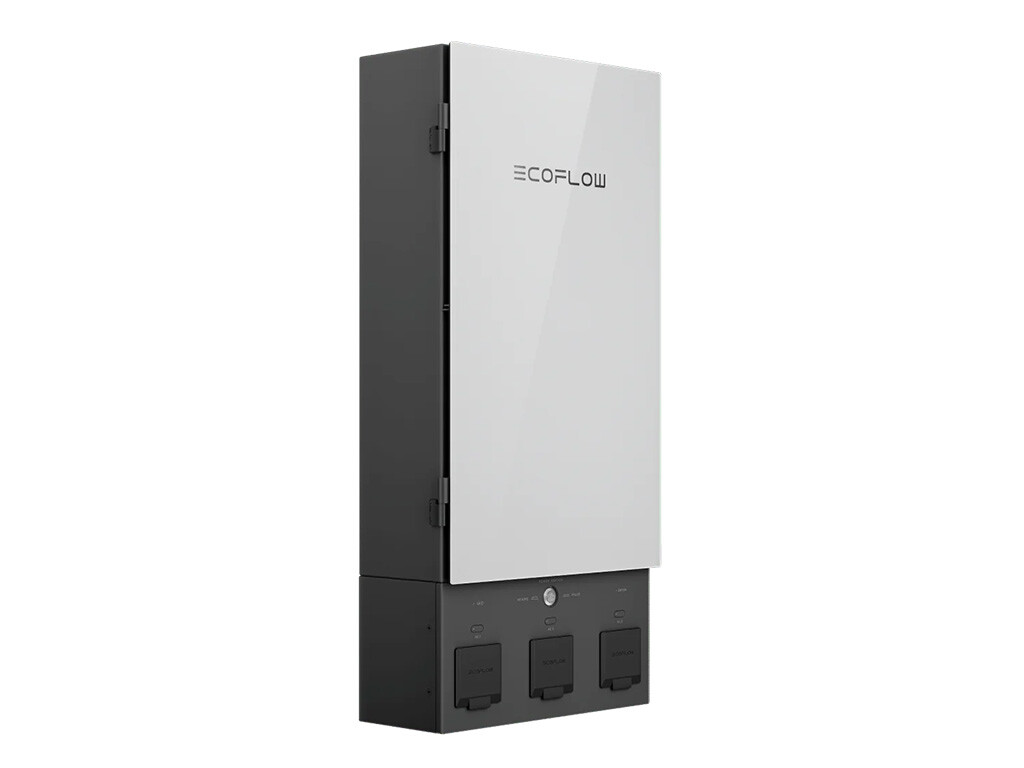
|
EcoFlow Smart Home Panel 2 |
SHP2 on EcoFlow |
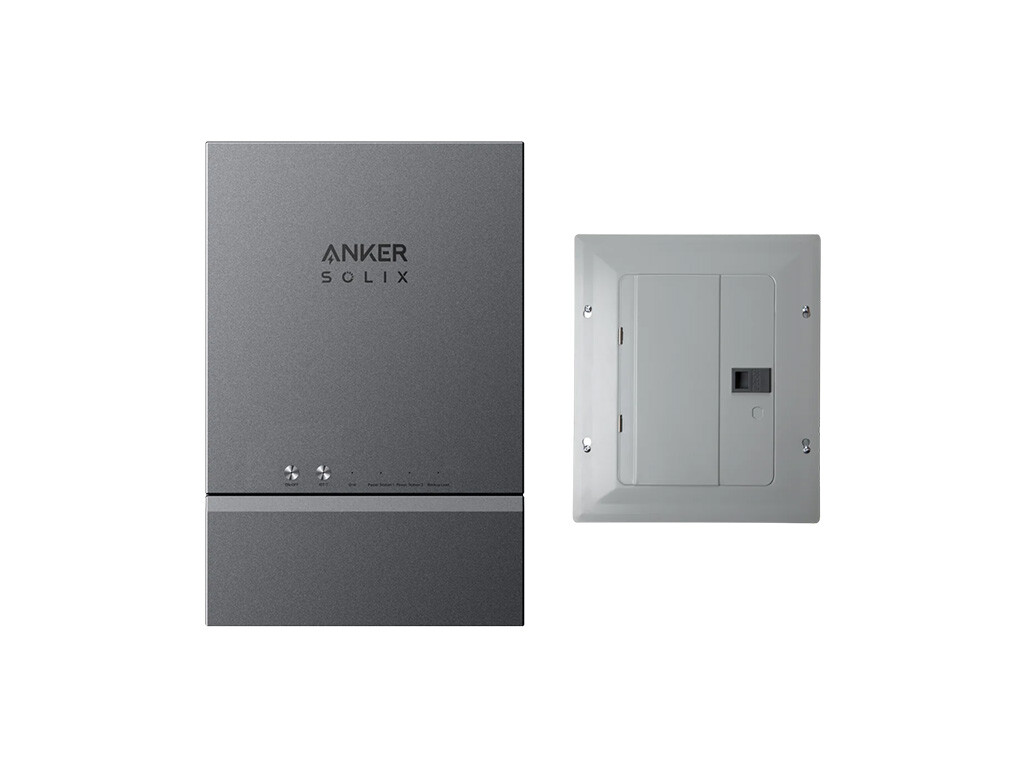
|
Anker SOLIX Home Power Panel |
Panel on Anker |
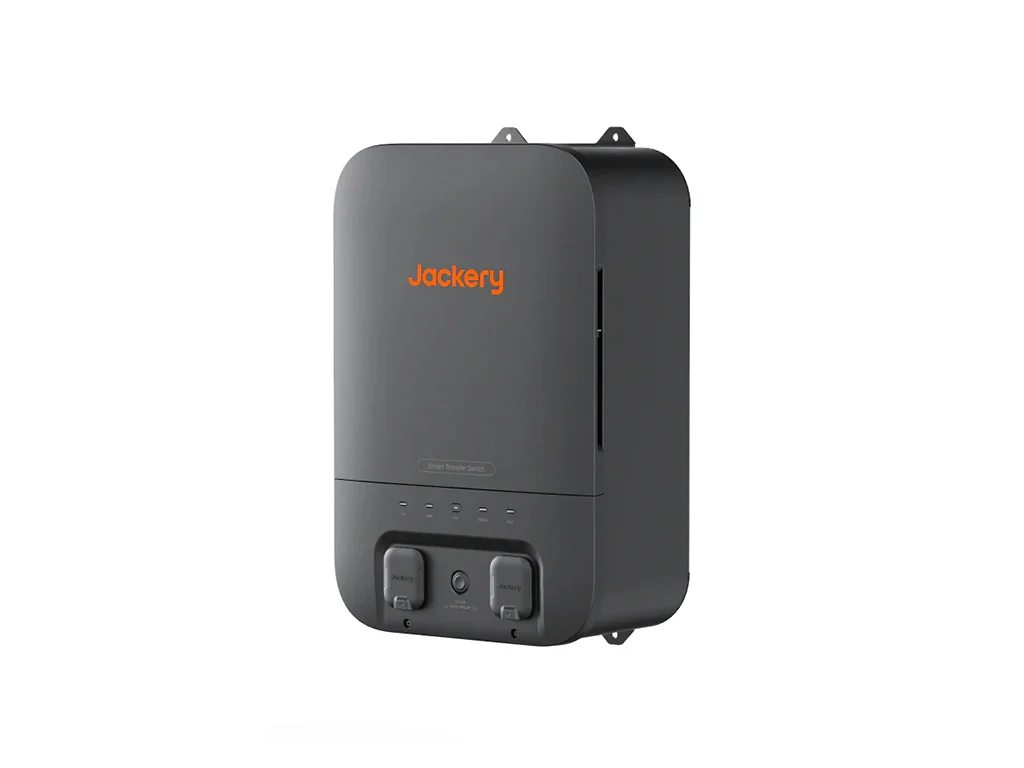
|
Jackery Smart Transfer Switch |
Switch on Jackery |
Wrap Up
You can now use your portable power station to deliver electricity directly to your appliances through your existing circuits and outlets. The transfer switch and critical loads panel is the secret weapon of choice, including options that match three of the top brands with automatic transfer switches.
Now is the time to get ready for the next outage. See the best whole-home solar generator backup systems to get yours today.